
KINO – From Video camera to Divx
Kino is nonlinear editor software. It can capture raw video, edit and re-organise it, and export the final results. With additional free, extra-cool plugins, Kino gives you all the necessary tools to make good movies. To do all of these all you need is the IEEE1394 interface on both sides, the PC and camcorder to be able to send the video stream from a camcorder to a PC and back. Check your PC; many modern computers, including laptops, have this interface already built-in.
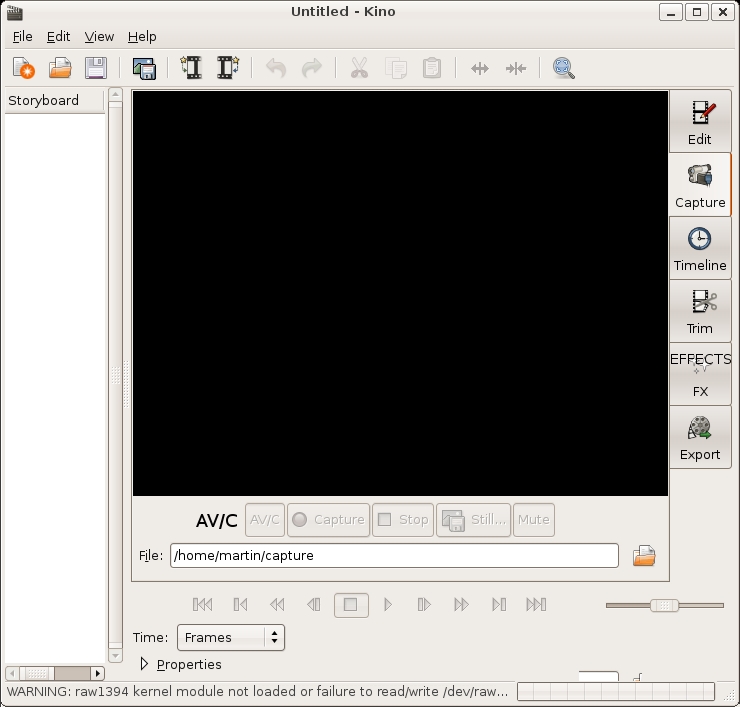
1) Connect the video camera to the computer and go to the “Capture†section of Kino and press “AV/Câ€. Turn the video camera in the play mode and press “Captureâ€. To stop the operation press “Stopâ€.
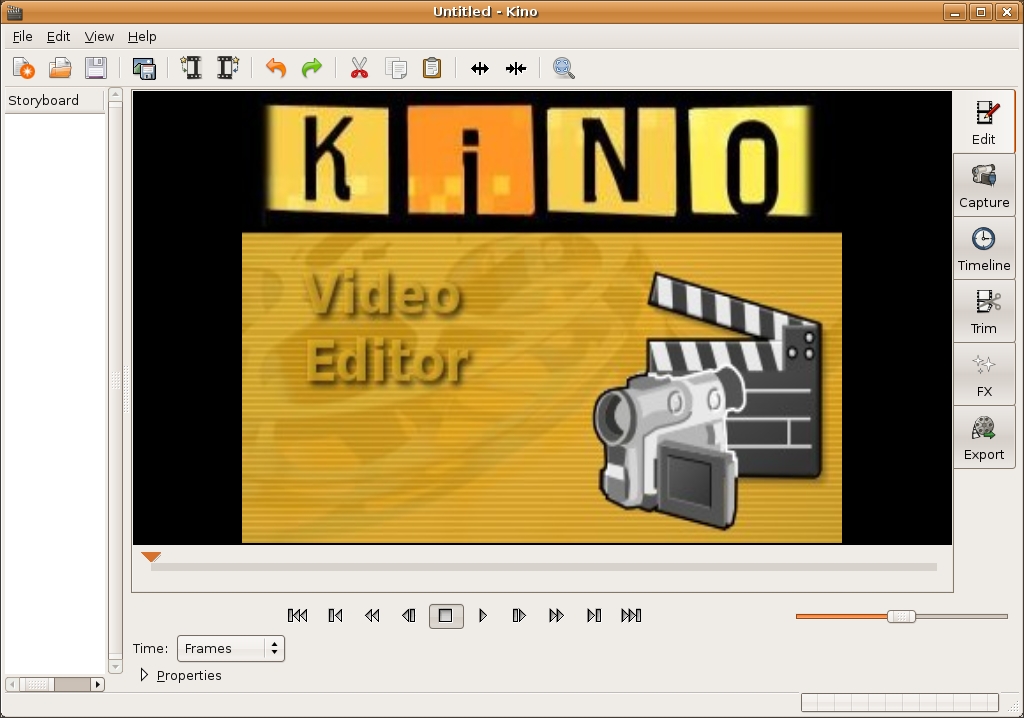
2) Editing. We can modify the film directly with Kino. Using the “Edit†section we can rapidly cancel the unwanted parts of the film whilst with “Trim†we can carry out more advanced changes for example inserting new scenes. With “FX†we can create many effects like headings, Gradiant effects.
3) Convert to DIVX.
At the end of the changes, move to the “Export†section. Go to the frame“Others†and
write down the name of the file without the “.avi†extension. With the option “Tool†select “MPEG-4 AVI Dual Pass†with “High Quality†Profile. At the end click “Exportâ€. You’re done.
| Social Bookmarks: | TrackBack Link | Comment » |

Leave a Comment or a Question;